
Norton Partition Magic does not support Windows 10 (32 and 64 bit). This article introduces a free alternative to Partition Magic for Windows 10.
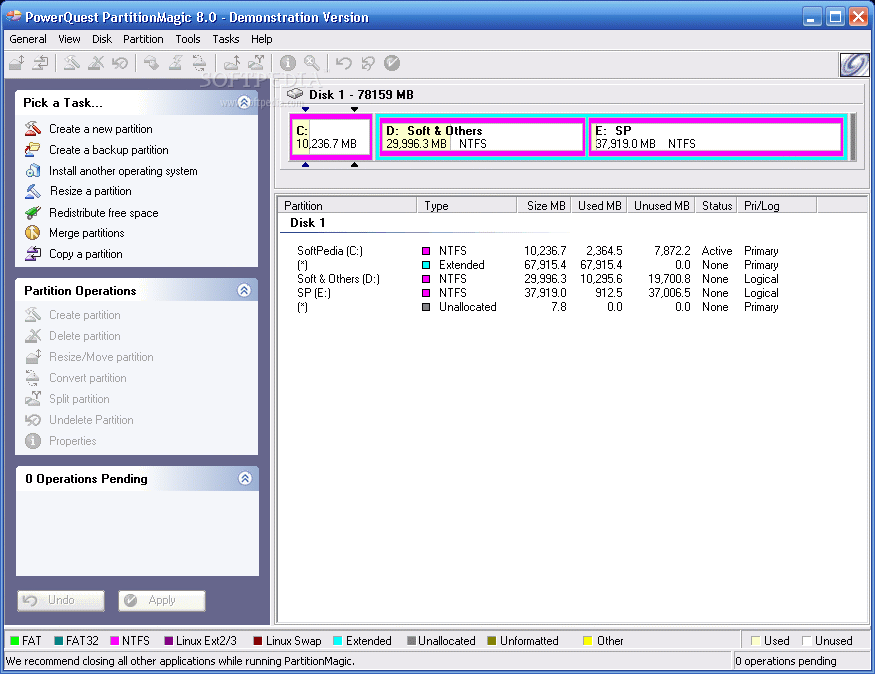
Forget Partition Magic for Windows 10
Norton Partition Magic, originally called PowerQuest Partition Magic, was a very famous disk partition management tool. Before being acquired by Symantec, the manufacturer PowerQuest was a Fortune 500 company. This shows that many people used this software in the age of Windows 2000 and XP.
Can Partition Magic be installed on Windows 10? Yes, it can be installed on a Windows 10 computer successfully.
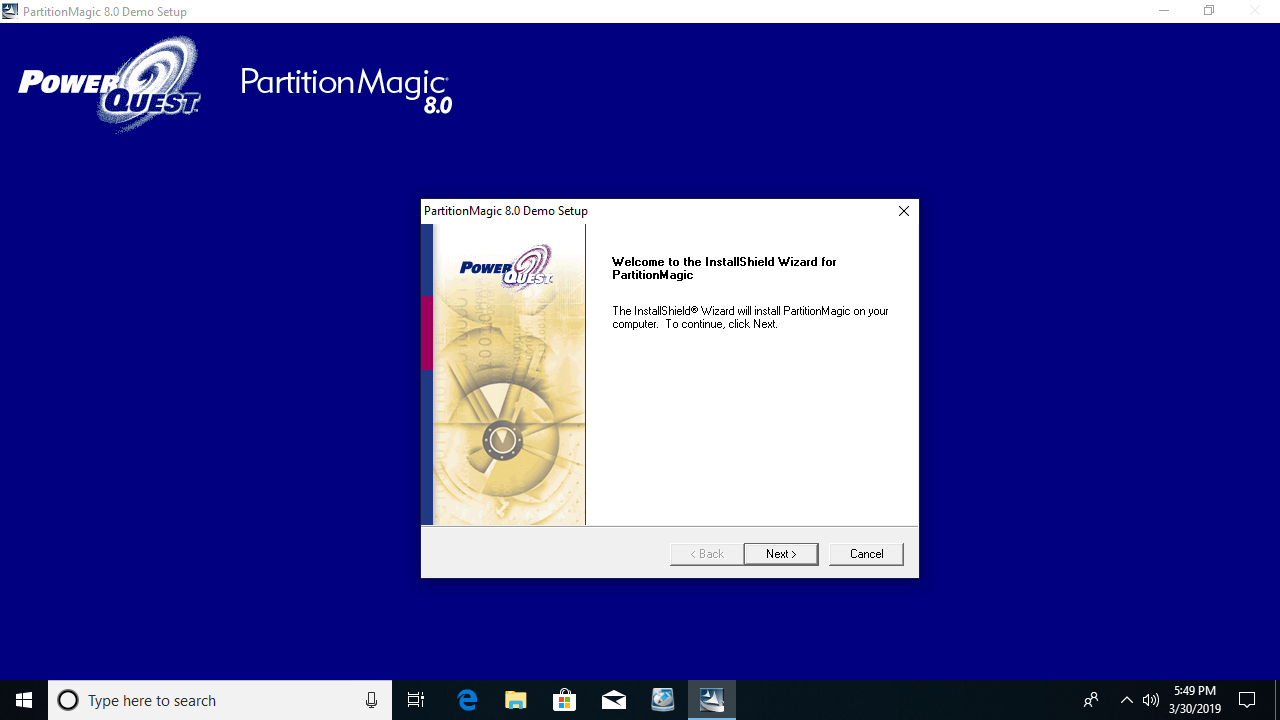
However, after starting it, an error pops up:
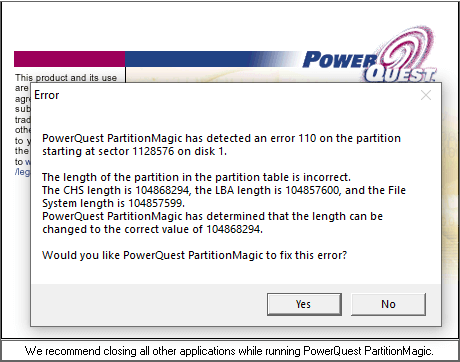
It reports error 110 and says that the length of the partition table is incorrect. After clicking Yes, it reports more similar errors.
Finally, it reports error 117 saying that the partition's drive letter cannot be identified. After clicking OK, it disappears. If you restart, it reports the same error.
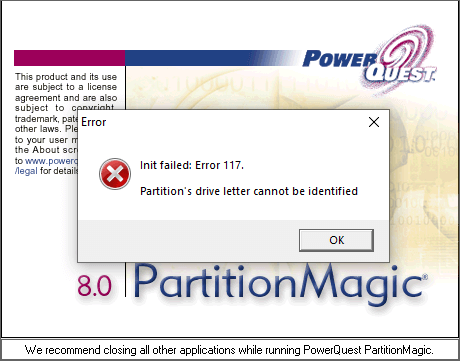
Even after changing the drive letter, the issue persists. In fact, this is not a real drive letter issue; it is because Partition Magic cannot read the parameters of a disk partition in the same way as in Windows 2000 and XP.
PartitionMagic 8.0.5 is the last version released under Symantec. On December 8, 2009, the Symantec website stated: "Sorry, we no longer offer Norton Partition Magic."
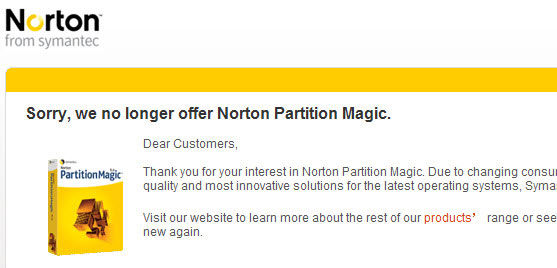
Symantec has stopped updating and selling Partition Magic for a long time, so it is really time to say goodbye.
Partition Magic Portable for Windows 10?
Many people are still finding ways to run Partition Magic on Windows 10. Nowadays, many people like to use portable media such as a USB flash drive. Then is it possible to create a USB portable version of Partition Magic for Windows 10?
After testing many methods and searching online, there are no successful cases.
Even if a portable USB version of Partition Magic could be created, it is not recommended to run it on a Windows 10 computer. Although a portable version does not rely on the operating system, the software itself cannot properly read the drive letter or partition parameters. Can it guarantee the system, partitions, files, and everything remain intact?
The boot manager is changed, and new disk and partition types are added in Windows 10, 8, and 7, so obviously, Partition Magic cannot handle everything on Windows 10. You had better find some alternatives.
Free Windows 10 Partition Magic Alternative
In fact, there are many Partition Magic alternatives for Windows 10 on the market, including both free and commercial options. Compared with other tools, NIUBI Partition Editor is highly recommended because it offers several advantages:
- Its free edition is 100% free for home users without any bundled advertisements or plugins.
- Virtual Mode - All operations are listed as pending for preview, and real disk partitions won't be modified until you click "Apply" to confirm.
- Cancel-at-Will - If you applied incorrect operations, you can safely cancel the ongoing operations at any stage before completion.
- 1 Second Rollback - If any error is detected while resizing partitions, it can immediately and automatically revert the disk partitions to their previous state.
- Unique Hot-Resize technology - shrinks and extends most partitions without rebooting the computer.
- Advanced file-moving algorithm - 30% to 300% faster when moving and resizing disk partitions.
Download this program and you will see the main window.
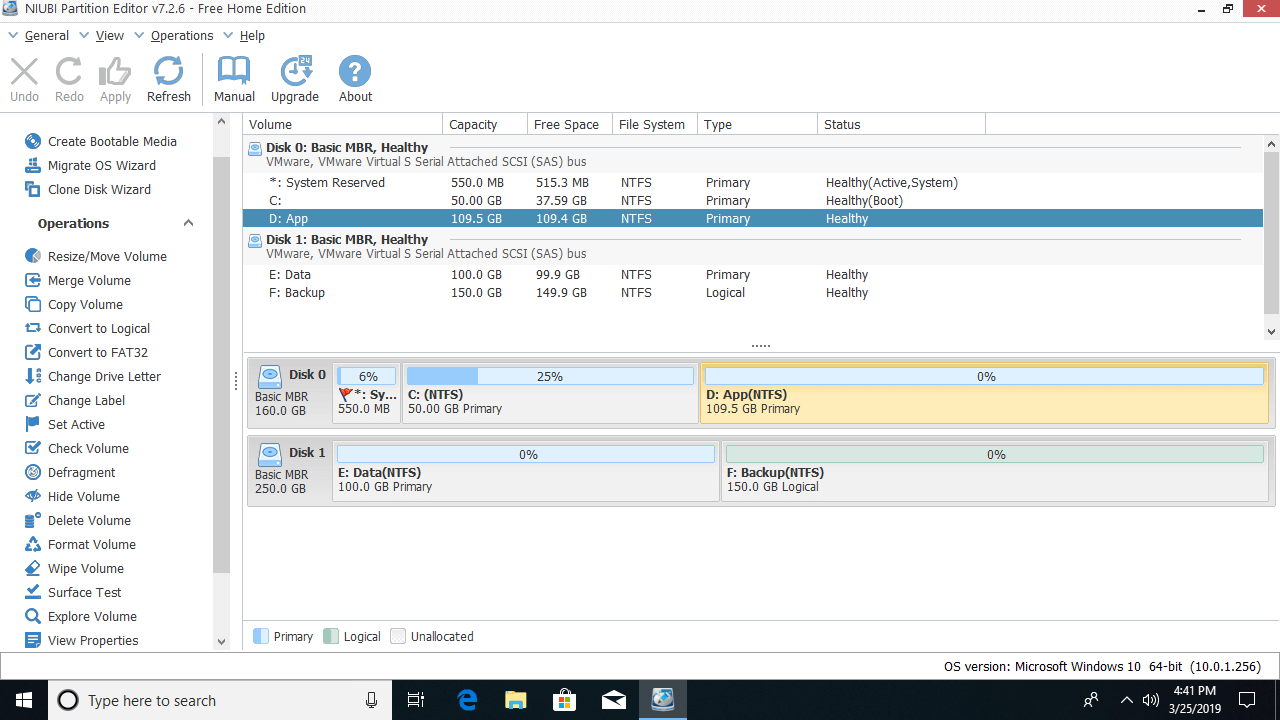
Single partitions are listed on the top right with detailed parameters. All hard disks are listed on the bottom right with the partition layout. Available operations for the selected disk or partition are listed on the left. (Unavailable operations will be hidden automatically.)
NIUBI Partition Editor helps you shrink, extend, move, merge, copy, convert, defrag, check, hide, wipe, create, delete, and format partitions, etc. The limitation of the free edition is that it allows home usage only and cannot build a bootable CD/DVD/USB disc.
It is 100% clean and only 12MB in size, why not download it and try?
 © 2009 - NIUBI Technology All Rights Reserved. |